Record with your iPhone or dashcam. Replay on an interactive map with live speed, altitude and position. Share with anyone via a link — no app needed to view.
Free · No account needed to upload
Use the free Road Trip Replay iPhone app or any GPS-enabled dashcam or device. Supports GPX, SRT, DAT, CSV, GPS and NMEA formats.
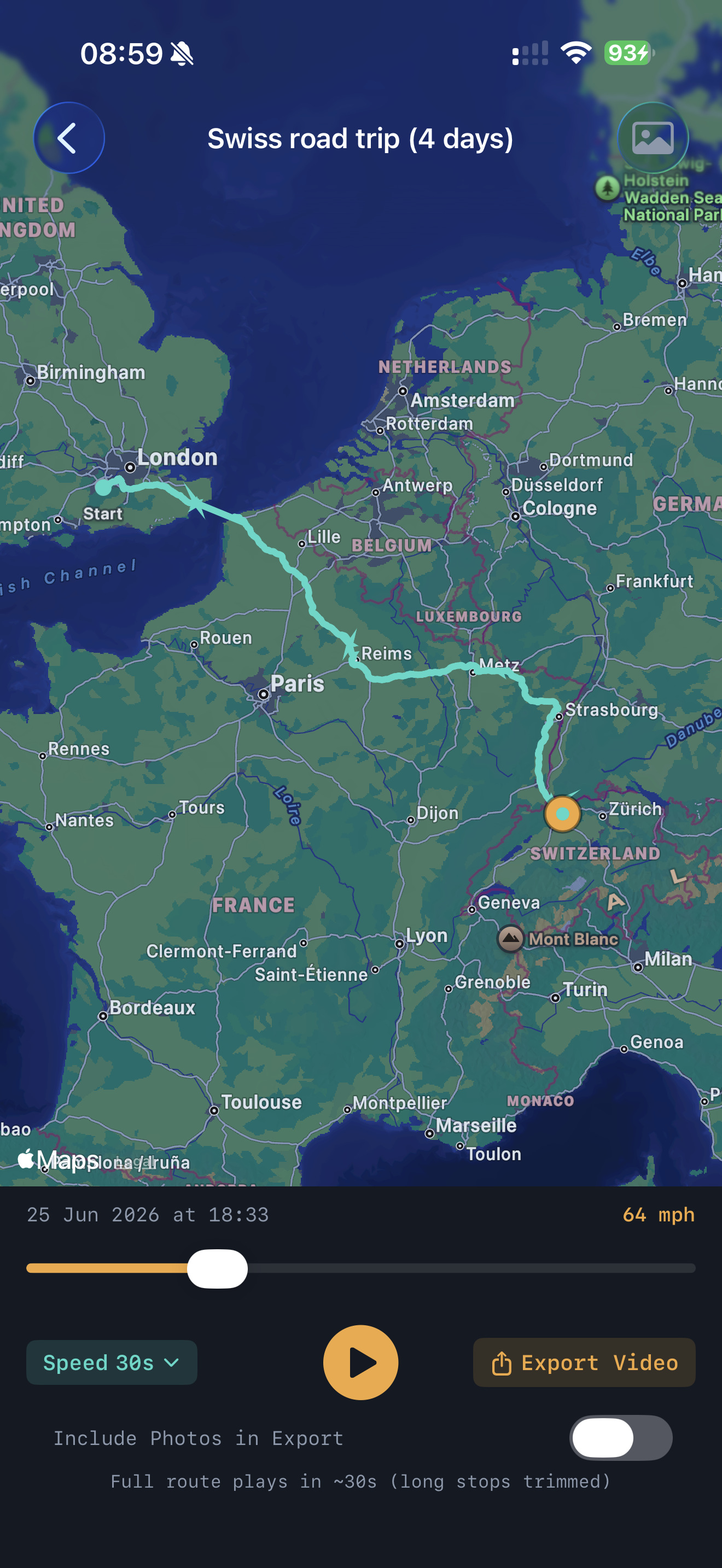
Watch your route come alive with a moving marker, live speed, altitude, and position. Control playback speed from 10 seconds to real time.
Get a permanent shareable link. Anyone can open it and replay your route — no account, no app. Export to GPX or Google Maps.
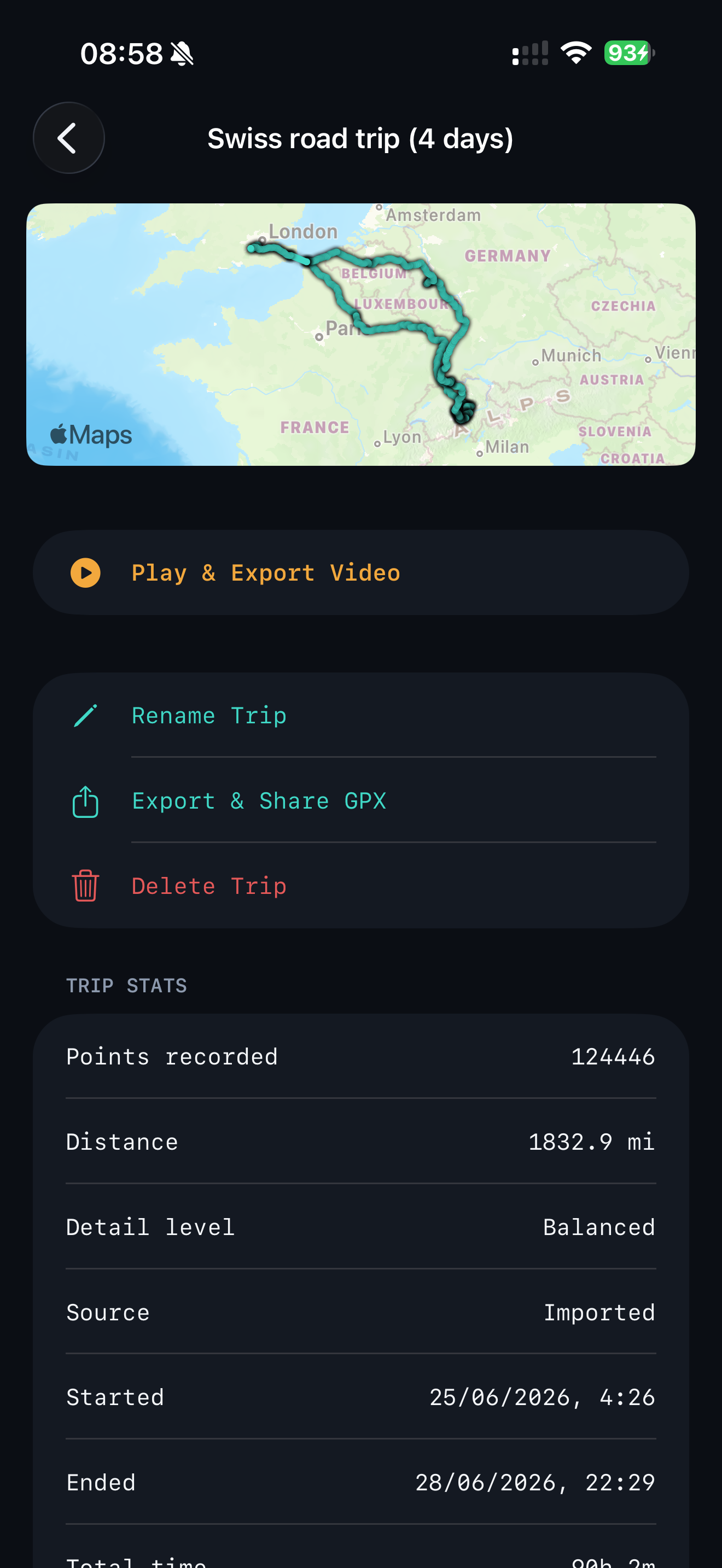
Upload multiple day logs and they automatically merge into one continuous trip with colour-coded day sections. Trip stats show distance, speed, and altitude.
Merge multiple day logs, strip out long stops, or download your route as a GPX file. Free tools that work on any GPS file — no account needed.
Share your road trips with us on Instagram. See routes from other travellers and get inspiration for your next adventure — tag us in your journey.
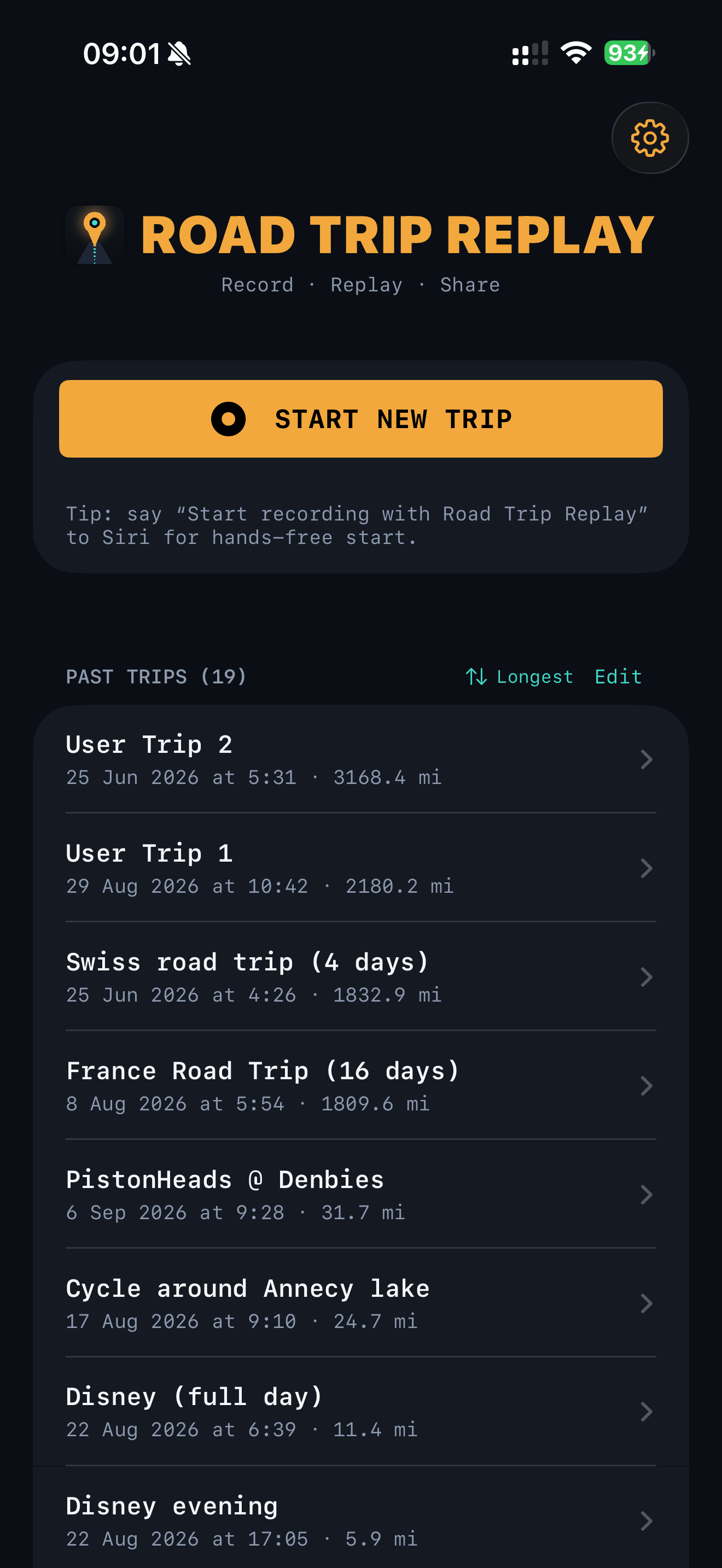
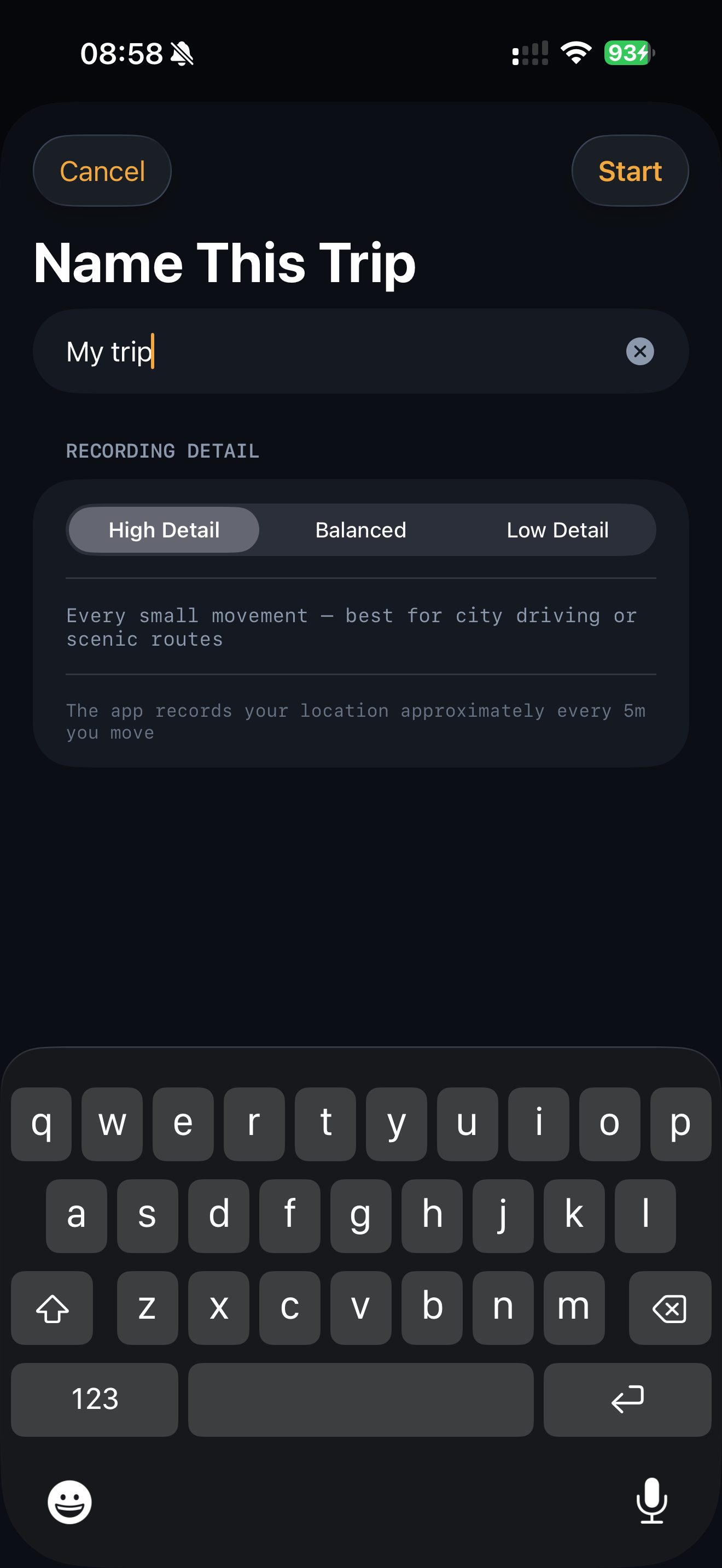
Drive with the Road Trip Replay iPhone app running, or use any dashcam or GPS device that records a route file. The app records location, speed, and altitude in the background.
Drag your GPS file onto the map — or tap to browse. No account needed. Your route loads instantly and starts playing straight away.
Watch your journey replay with a moving dot on the map. Adjust speed, explore the stats, and share a link with anyone — they get the full replay experience.
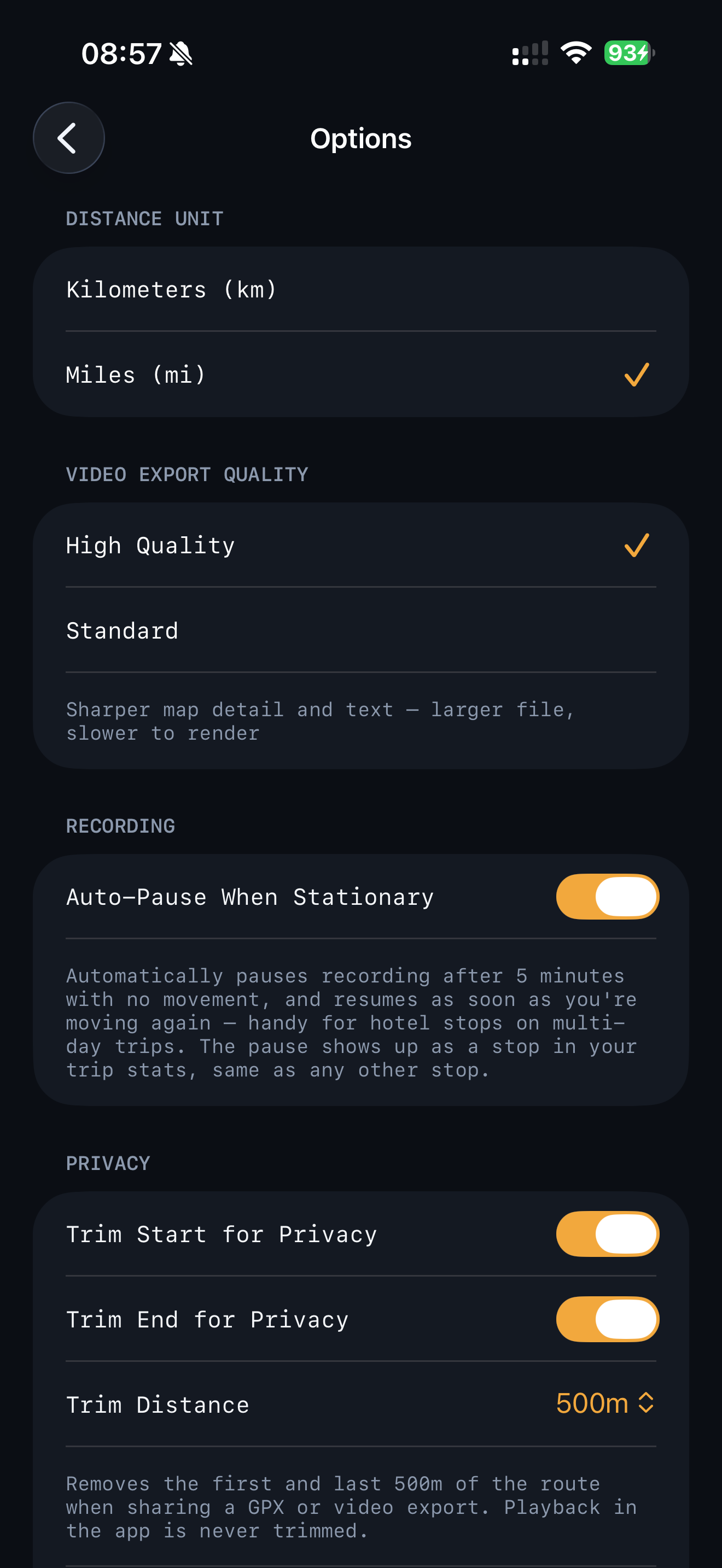
The Road Trip Replay app records your GPS trail silently in the background — capturing speed, altitude and position point by point. Works with your iPhone's built-in GPS. No dashcam needed.
Free to use. No account needed to try. Upload a GPS file and your route loads in seconds.